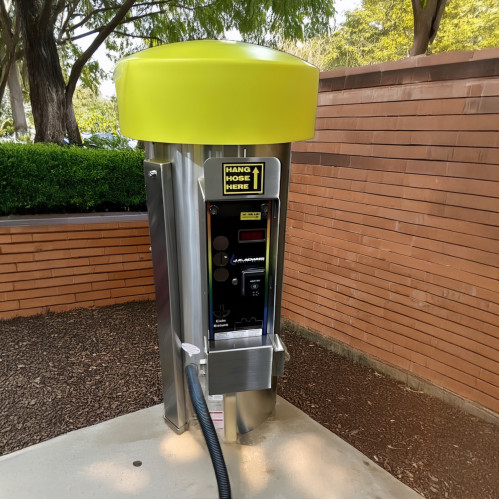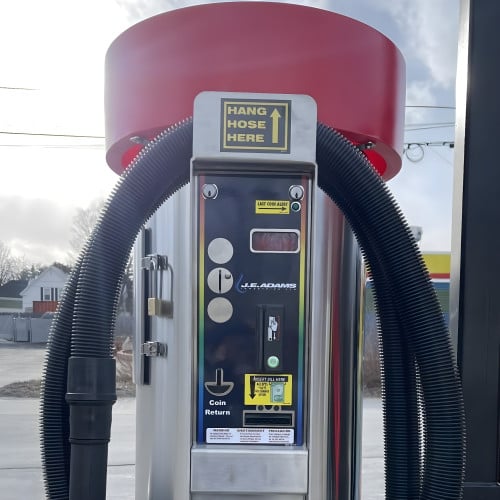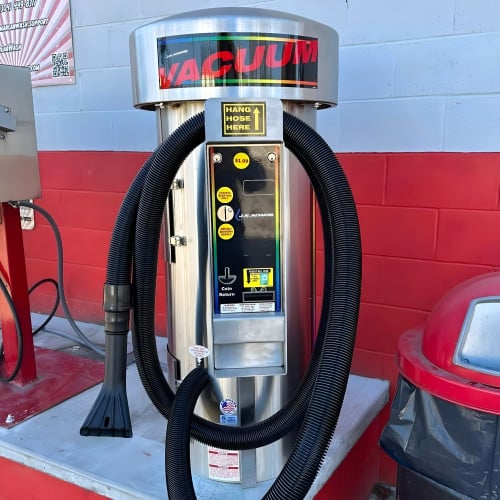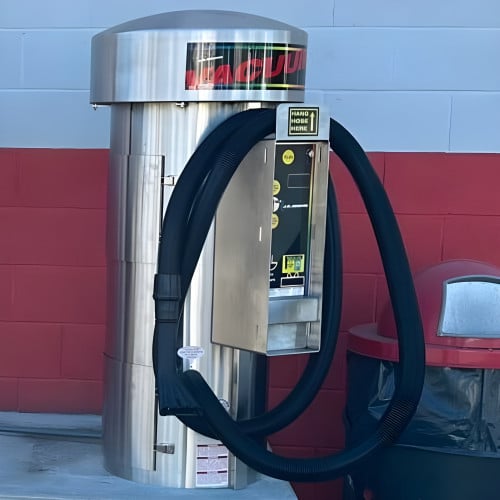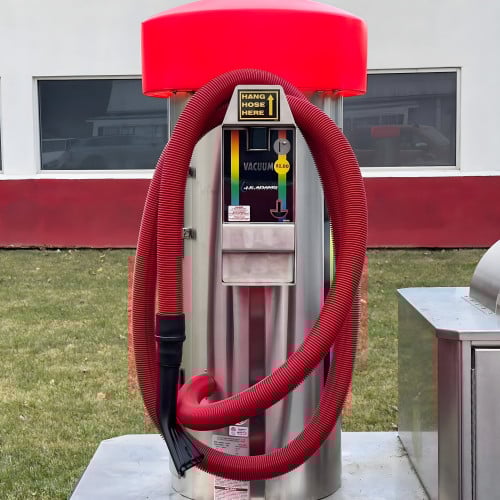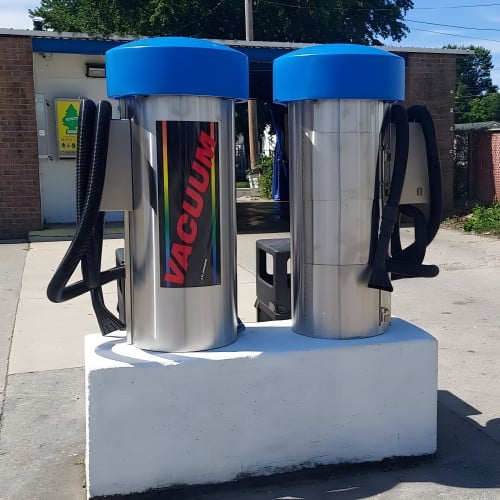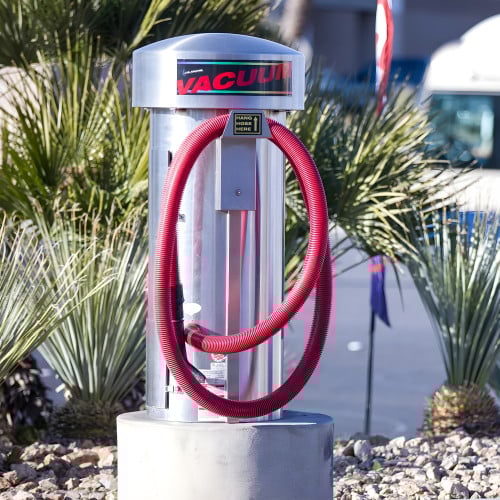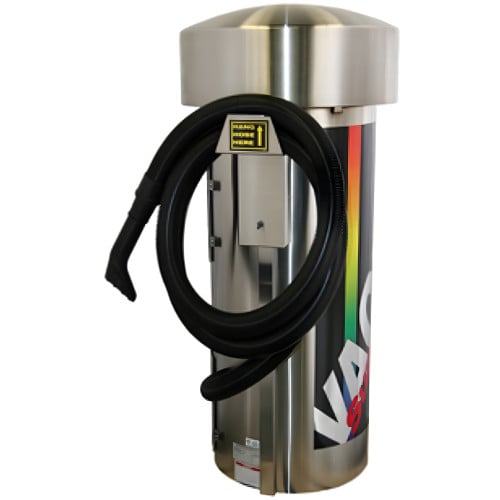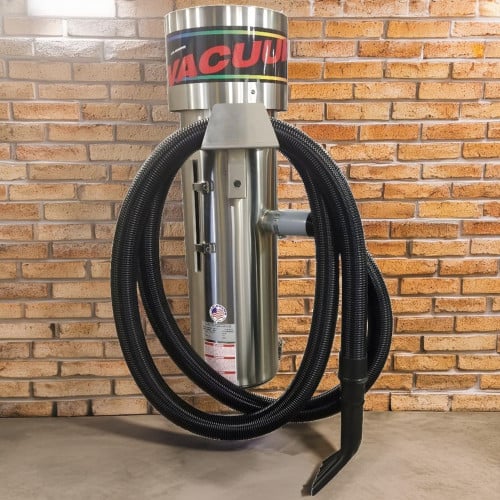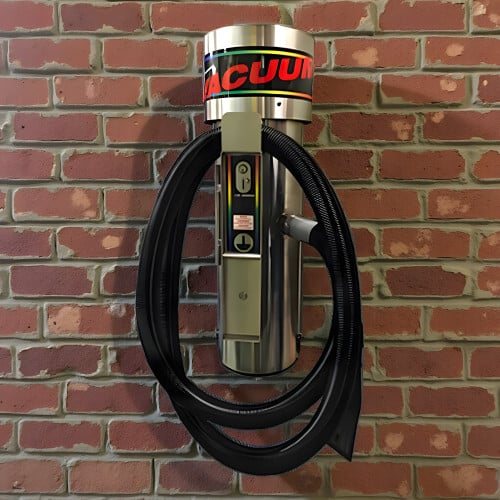
Installing a commercial vacuum isn’t complicated, but it does require planning and care to make sure the unit is both secure and properly wired. Whether it’s a single or dual vacuum setup, following the right steps will ensure your new machine runs safely and efficiently for years.
1. Choose the Right Location
Start by selecting a solid, level surface—most installations use a concrete pad. The vacuum should be positioned so that customers can easily access the hose while still allowing clearance for both doors to open.
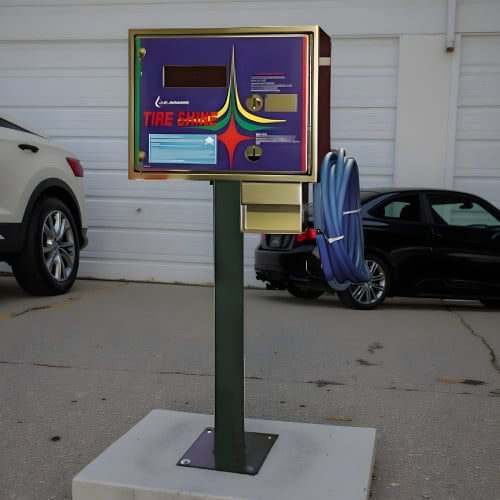
If the vacuum is being installed near fuel dispensers or in any area where flammable vapors may be present, it should be mounted at least 18 inches above ground level and 20 feet horizontally from the exterior enclosure of any fuel-dispensing pump to meet electrical safety standards. In other locations, this height isn’t required but helps keep the wiring clear of water or debris. Putting the vacuum on a concrete pedestal also helps prevent inattentive drivers from backing into the machine.
Always check local electrical and building codes before installation to make sure your setup meets regulations in your area.
2. Secure the Vacuum to the Pad
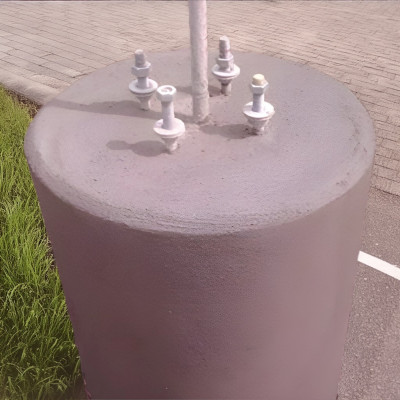
Drill four holes into the concrete surface and install 3/8-inch studs or anchors to hold the vacuum in place. These are not included with the unit, as installers may prefer different hardware depending on the surface or local conditions. Check your product manual for the specific spacing of the four mounting points before drilling.
For an easier installation, you can use a vacuum pedestal concrete form which includes the mounting studs and built-in electrical conduit. With this form, all you need to supply is the concrete—everything else is already aligned and ready to go.
Open the lower door of the vacuum and remove the four plastic caps that cover the mounting holes. The easiest way to do this is with a flat-head screwdriver. You’ll likely damage the old caps during removal, which is normal—new ones are included with the vacuum for reinstallation later.
Once the holes are drilled and studs are installed, set the vacuum base over the anchors and tighten your mounting hardware to securely fasten the vacuum.
After the vacuum is mounted, replace the plastic caps. Set each new cap into the hole, then gently tap the center with a rubber mallet until it snaps in place and sits flush. This seals the base so that the vacuum does not pull air through them instead of the hose.
3. Bring Power to the Unit
All electrical wiring should be run through a dedicated circuit installed according to the electrical specifications of your particular model. Run the power conduit from beneath the concrete pad or through the designated electrical access point on the bottom of the vacuum. Feed the wiring up through the front channel to the terminal strip inside the electrical compartment.
It’s strongly recommended that all wiring be performed by a licensed electrician. Always use GFCI protection and follow both the manufacturer’s guidelines and local electrical codes.
4. Installing on Different Surfaces
J.E. Adams vacuums are designed to be mounted on a solid, stable base, and concrete is strongly recommended for long-term stability. Pavement or asphalt alone is generally too soft to hold anchors securely over time, especially in heat where it can flex or loosen. If you’re installing on pavement, pour a small concrete pad where the vacuum will sit—usually about 3–4 inches thick and slightly larger than the machine’s footprint.
For indoor installations, such as in a warehouse or garage, mounting directly to a concrete floor works well. If the surface is epoxy-coated or sealed, drill through the coating and mount into the concrete beneath. Avoid installing on pavers, tile, or wood floors, as they can shift or crack under the weight and vibration of the vacuum.
5. Connectivity for Credit Card Systems
If your vacuum accepts credit card payments, consider connectivity before choosing your installation location. Different systems use different communication methods:
- CryptoPay: Requires a strong connection to the site’s CryptoPay controller, typically within about 100–150 feet. Plan installation so the machine is within range, or run additional communication cable if needed.
- Nayax: Uses cellular service directly at the machine. Make sure the installation site has reliable cell signal to maintain uninterrupted payment processing.
These requirements are easy to overlook but important to confirm before pouring concrete or finalizing placement. Testing signal or range in advance can save time during setup.
6. Final Checks Before Power-Up
Before turning the vacuum on, check that:
- The mounting bolts are snug.
- The doors open freely for maintenance.
- The internal wiring and fuses are secure.
- The new plastic cap plugs are seated firmly on the bottom of the canister.
Once everything is secure, power the unit on and, if equipped, program the timer or coin or card reader system.
7. Safety Reminder
Always disconnect power before servicing the machine or performing maintenance. Follow all local and national electrical codes during installation. A properly grounded and mounted vacuum helps protect users and operators from electrical hazards.